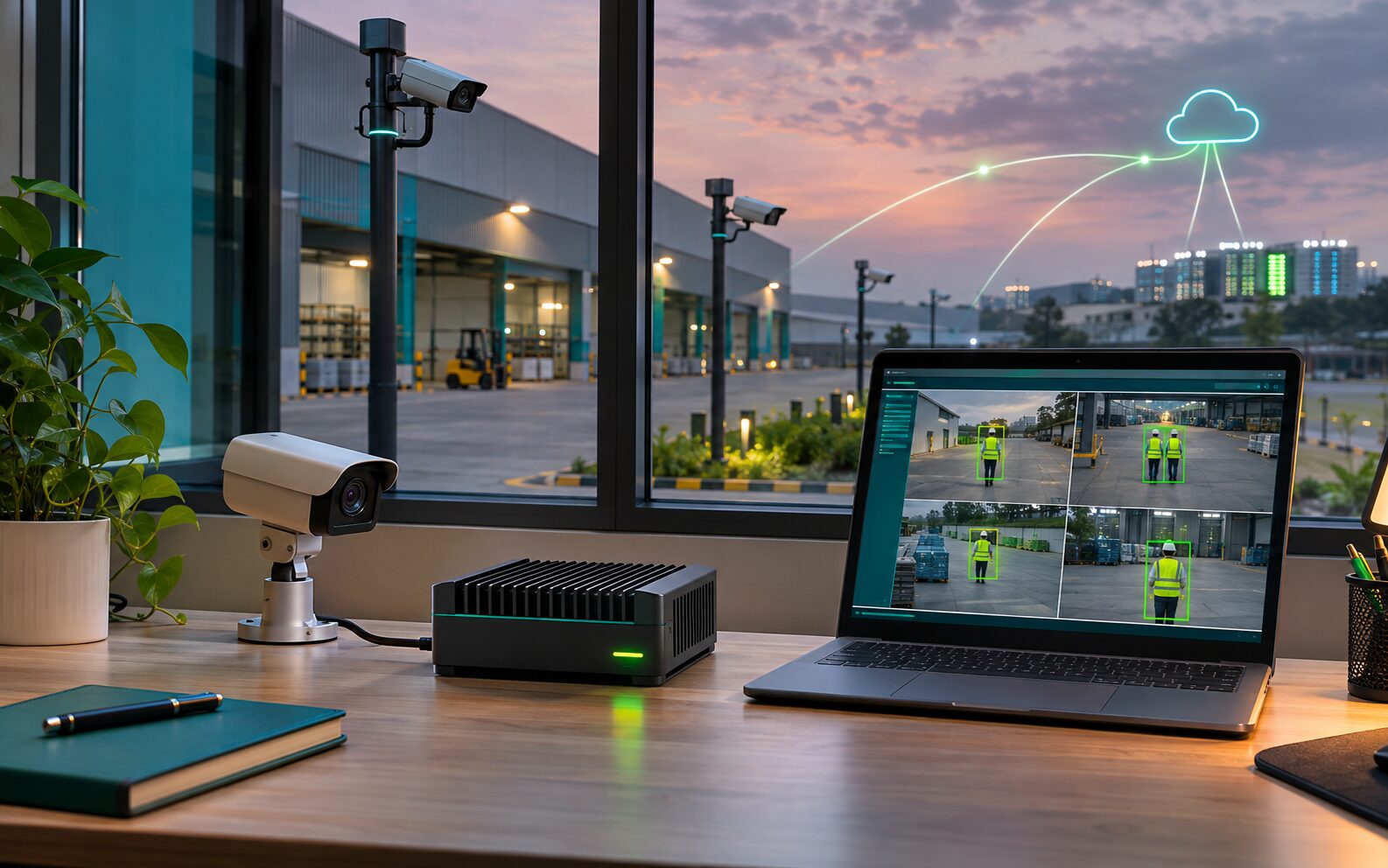
Should the AI run next to the cameras, or in the cloud? For a site with 20 cameras, the answer is mostly arithmetic, and most teams never do it. They choose by habit, then find out on the first invoice.
We did the sums for one realistic setup: 20 cameras at 1080p, each analysed at 20 frames per second with a large detection model and tracking. That is close to the PPE system we run on Jetson hardware, so several of the numbers below are our own. Prices are November 2026 list prices, so check yours before you budget.
1. How much video does a 20-camera site produce?
A 1080p camera usually streams compressed H.264 video at 2 to 8 megabits per second. Take 4 as a middle figure. Twenty cameras then produce 80 megabits per second, all day. That is 864 GB a day, or about 26 TB a month.
Before a model can look at any of it, every frame has to be decoded. One raw 1080p frame is about 6 MB, so a single camera at 20 frames per second means 124 MB of pixels every second. Decoding is real work, which is why our edge pipeline runs it in a separate process from the models.
2. How many cloud GPUs does it take?
Ultralytics publishes inference times for its models on an NVIDIA T4, the GPU in AWS’s g4dn servers. Its YOLOv8-L detector takes about 9 ms per frame with TensorRT, so one T4 can run roughly 110 frames a second. The newer YOLO11-L takes about 6 ms, or roughly 160 frames a second.
Our site needs 20 cameras × 20 frames = 400 frames a second. With YOLOv8-L, that is four T4s before you add a second model, tracking or decoding. At about $384 a month each on demand, four g4dn.xlarge servers cost around $1,540 a month, or about $55,000 over three years.
3. Which number moves the cloud bill the most?
Frame rate. The GPU bill grows in a straight line with frames per second. Run the same 20 cameras at 5 frames per second and the load drops to 100 frames a second, which fits on one T4: about $384 a month, or $13,800 over three years. Switching to the lighter YOLO11-L cuts the load by about another third.
The catch is tracking. Following a person from one frame to the next is much easier when they have moved a few pixels than when they have moved half a metre. For a worker standing at a machine, 5 frames per second is plenty. For people crossing a loading bay, it often is not. Choose the frame rate from the task, not from the camera’s default settings.
4. What does the cloud cost apart from the GPUs?
Sending video into AWS is free, because inbound data transfer is not charged. The cost sits on your side instead: the site needs about 80 megabits per second of upload, all the time, on a connection that also carries everything else. Many factories, warehouses and ports do not have that.
Storage adds up too. Keeping 30 days of all footage means about 26 TB. At the S3 Standard rate of $0.023 per GB, that is roughly $600 a month, which is more than another GPU.
5. What does the edge cost after NVIDIA’s price rise?
In July 2026, NVIDIA raised Jetson prices by up to 101%. The Orin Nano Super developer kit went from $249 to $399. At volume prices for 1,000 units or more, the Orin Nano 8GB module went from $299 to $399, and the Orin NX 16GB module from $599 to $999. If you budgeted edge hardware before July, it is worth doing the sum again.
How many devices you need depends on how many streams each one can carry. In our PPE system, one Jetson Xavier NX, an older and smaller board, ran one 1080p stream at 20 frames per second with person detection, an equipment classifier and tracking. At one camera per device, 20 cameras means 20 devices: about $8,000 in Orin Nano modules or $20,000 in Orin NX modules, before carrier boards, enclosures and installation. A newer board running a lighter model can often handle several cameras, which cuts the count sharply, but only a test on the real device will tell you how many.
6. What does the edge cost after installation?
Edge hardware is mostly a one-off cost, but not entirely. Twenty devices need model updates, monitoring so you know when one goes quiet, and spares for the ones that fail in a hot, dusty cabinet. Power is small by comparison: 20 devices at 25 watts use about 4,400 kWh a year.
Plan the engineering time for updates and monitoring from the start. Without it, the savings disappear into site visits.
7. Is there a middle option?
Yes, and it is what we recommend for most multi-camera sites. Run detection on site and send only events to the cloud: a few lines of data and a short clip for each alert. Fifty 10-second clips a day at 4 megabits per second come to about 250 MB, against 864 GB for the full video. That is roughly 3,500 times less.
The site connection stops being a problem, storage becomes trivial, and the cloud still gives you dashboards, reports and a place to retrain models.
How to decide
Choose the cloud when you have few cameras, a strong connection, a low frame rate, or a model too large for edge hardware. Choose the edge when you have many cameras, need alerts in under a second, have a weak or expensive connection, or must keep video on site. For most sites in between, detect at the edge and report to the cloud.
We cover the engineering side, including quantization, latency budgets and working offline, in running real-time vision models at the edge. For the wider budget, including labelling, see how much a computer vision project costs.
Planning a multi-camera site? Send us your camera count, frame rate and connection speed, and we will cost both options for you.